Why Omniscient?
Camera tracking plays a crucial role in visual effects (VFX) for film, television, and advertising. It enables the seamless integration of computer-generated imagery (CGI) with live-action footage by matching the movement of a virtual camera to the real one.
Traditionally, this required dedicated software and the use of physical trackers or reference points within the scene, a process that could be time-consuming and technically demanding.
But what if all you needed was your iPhone/iPad?
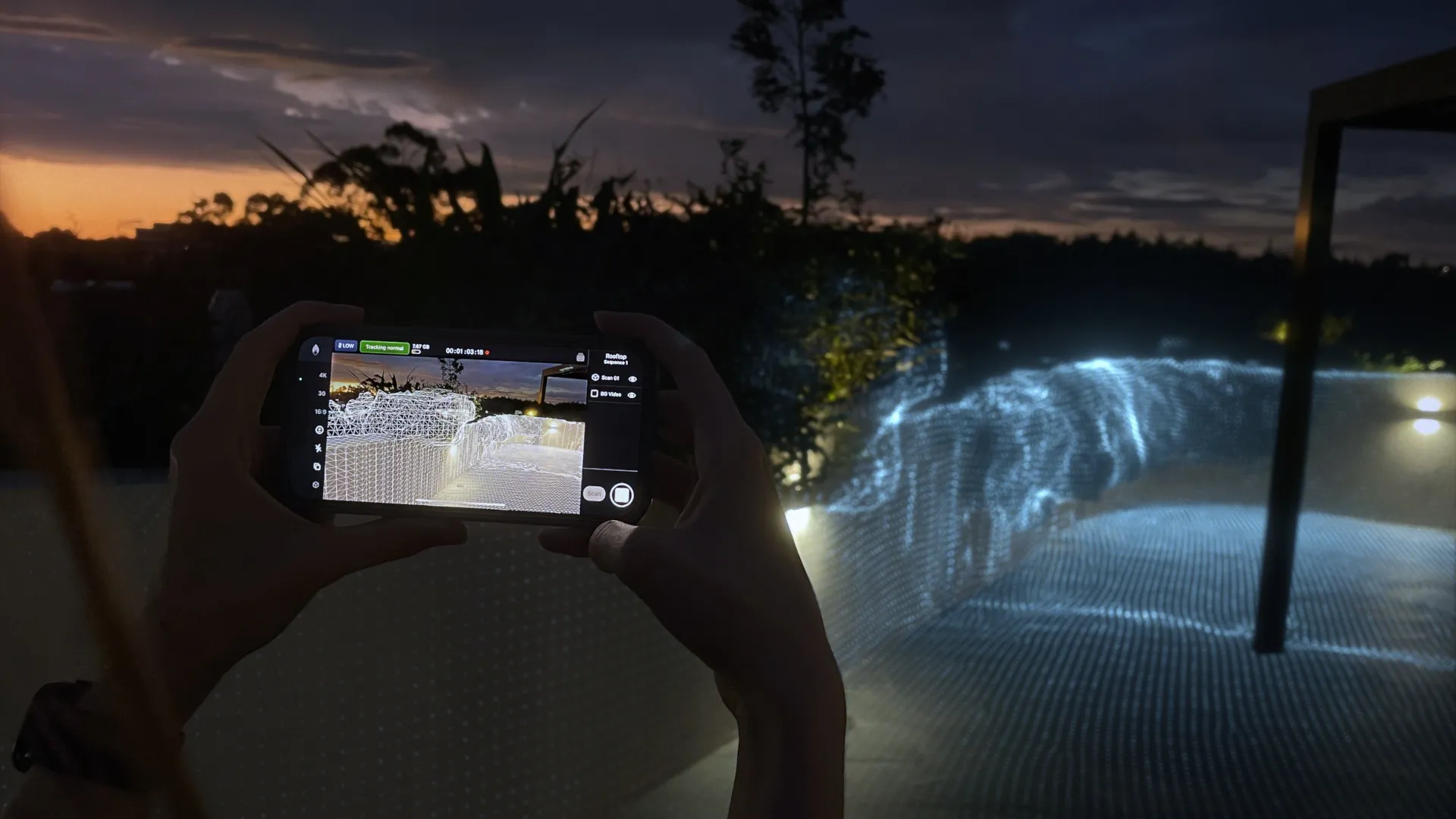
The Omniscient iOS app offers a game-changing solution: real-time camera tracking and LiDAR scanning. In this article, we’ll explore how it works, its standout features, and why it’s quickly becoming a favorite tool for VFX professionals.
How Does Omniscient Work?
Omniscient offers three ways to work with camera tracking: record footage on your iPhone or iPad, track an external camera with Mounted Workflow, or control a virtual camera. On LiDAR-equipped devices, it also captures a 3D mesh of the environment at real-world scale (1 meter per unit).
Record footage on your iPhone or iPad
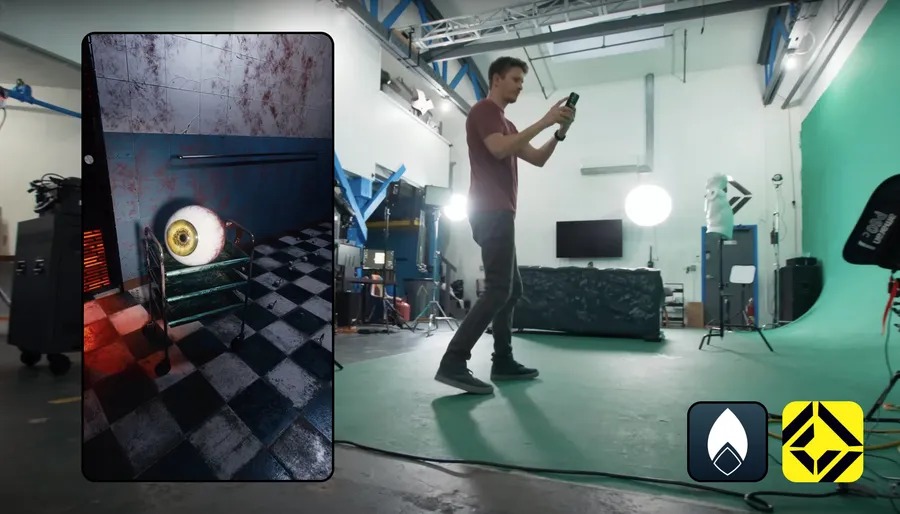
Film with a supported iPhone or iPad while Omniscient tracks its camera movement in real time. You can then export the footage, camera track and any captured scene scan to your VFX software.
Track an external camera with Mounted Workflow
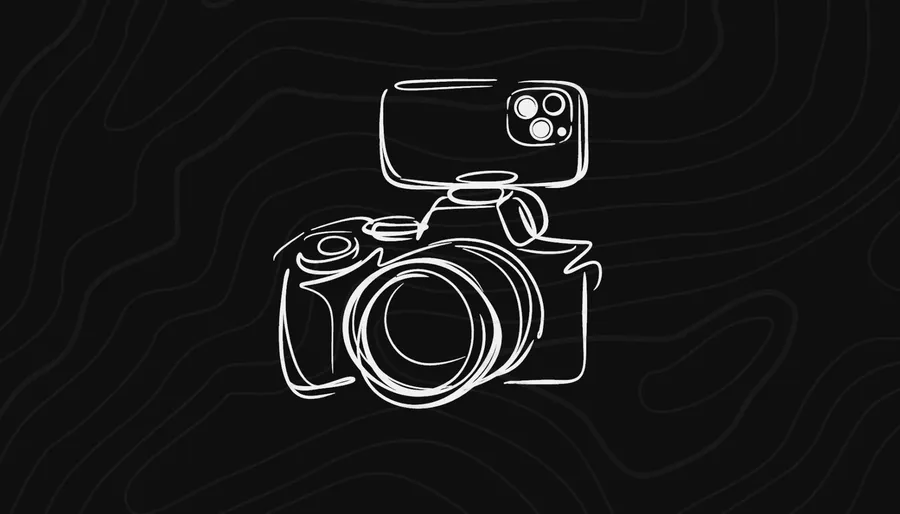
With Mounted Workflow, you mount an iPhone on your DSLR or cinema camera and record footage on the external camera. The iPhone captures tracking data and a scene scan.
The Omniscient desktop app automatically processes the phone’s tracking data into the external camera’s track, without requiring you to manually adjust the phone-to-camera offset. You can then use your camera’s footage with the resulting track and scan in your VFX workflow.
See the Mounted Workflow guide to get started.
Control a virtual camera
With Virtual Camera, moving your iPhone or iPad controls a virtual camera in your scene in real time. You can frame shots and record camera animation using physical camera movements. This workflow works directly with your 3D scene rather than recording footage through the phone’s camera.
Learn more about Virtual Camera.
Features of Omniscient
- Camera tracking and LiDAR scanning solution for VFX
- LiDAR scanning on LiDAR-equipped models
- Shoot 4K 24fps Apple Log videos
- Instant camera tracking within a 3D mesh of your environment
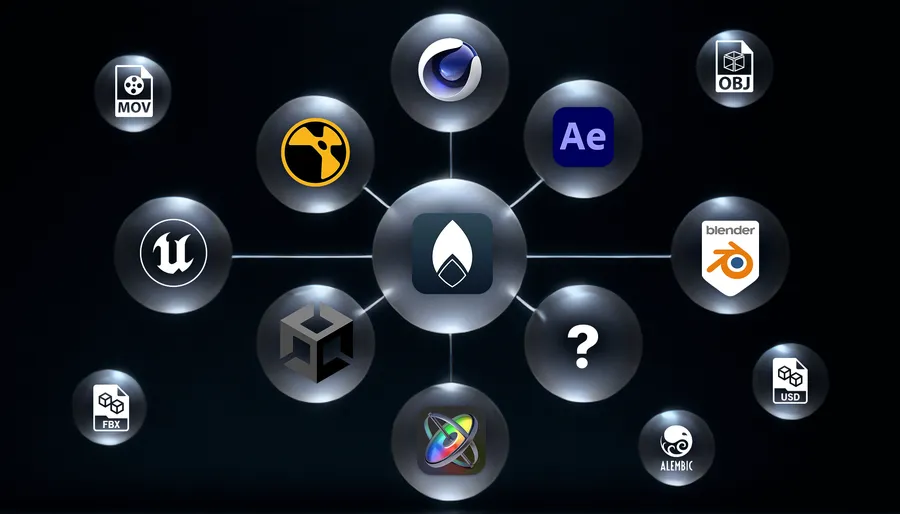
- Industry-standard export formats
- Virtual Camera
Benefits for VFX Professionals
- Cost-effective solution for camera tracking
- Quick and easy setup
- Real-time camera tracking capabilities
- Provides a detailed 3D mesh of the environment
- Outputs depth map videos
- Flexible management and exporting options
FAQs
Q: What is LiDAR scanning?
A: LiDAR scanning is a remote sensing method that uses laser light to measure distances and create 3D representations of objects and environments.
Q: Do I need any additional equipment to use Omniscient?
A: To record footage and tracking directly on your device, you need a supported iPhone or iPad. LiDAR scanning requires a LiDAR-equipped model. For Mounted Workflow, you also need an external camera, a secure iPhone mount, an audio cable, and a computer to process the final result after shooting.
Q: Can Omniscient be used for applications other than VFX?
A: While primarily designed for VFX, Omniscient can also be used for architecture, gaming, and other fields that require camera tracking and 3D scanning.
Conclusion
Omniscient is an innovative iOS app revolutionizing camera tracking for VFX professionals. With real-time camera tracking on supported devices and LiDAR scanning on LiDAR-equipped models, it offers a cost-effective and convenient solution. With features such as project/sequence management and flexible exporting options, Omniscient stands out as a versatile tool for efficient camera tracking.