Camera Track
Get a 3D camera matching the fps and frame range of your shots.
Capture, scan, control, and previs from your iPhone. Auto setup for Blender, Unreal Engine, After Effects and more.
Get a 3D camera matching the fps and frame range of your shots.
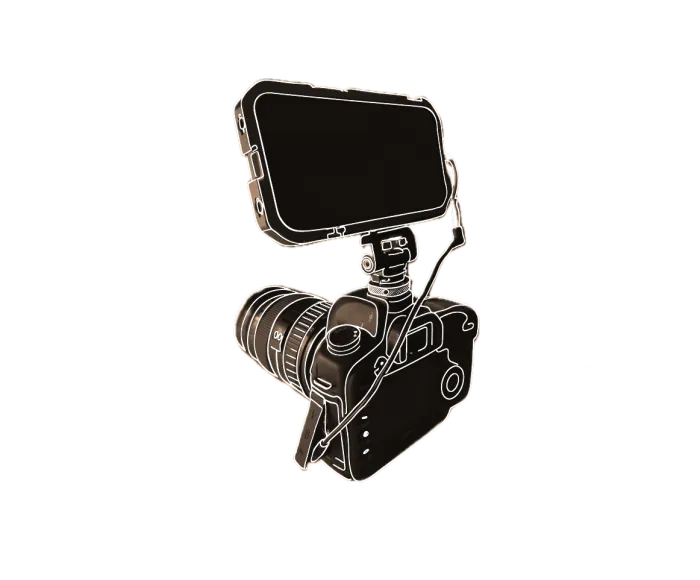
Mount your iPhone on a professional camera to track it.
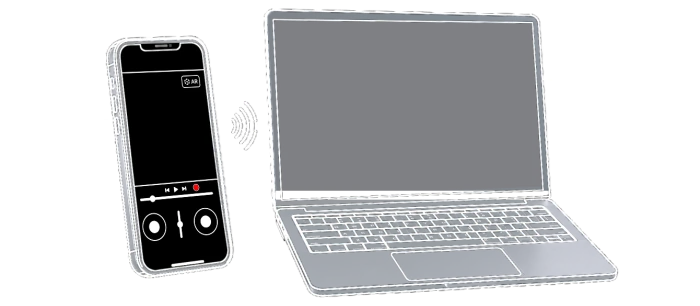
Control your camera remotely in real time. Frame, focus, and move with precision.
Previsualize your shots and plan with real-time camera feedback.
Compatible with most VFX software and pipelines.
1 unit = 1 meter for accurate scale and measurements.
HD for free. 4K available with premium.
Camera, track, and scan ready to go.
A group of friends enters the Backrooms in a found-footage film inspired by Kane Pixels.
CGI creatures leap across the rocks of Yarmouth Island, with iPhone footage captured using Omniscient, animation in Maya, effects and lighting in Houdini, and compositing in Nuke.
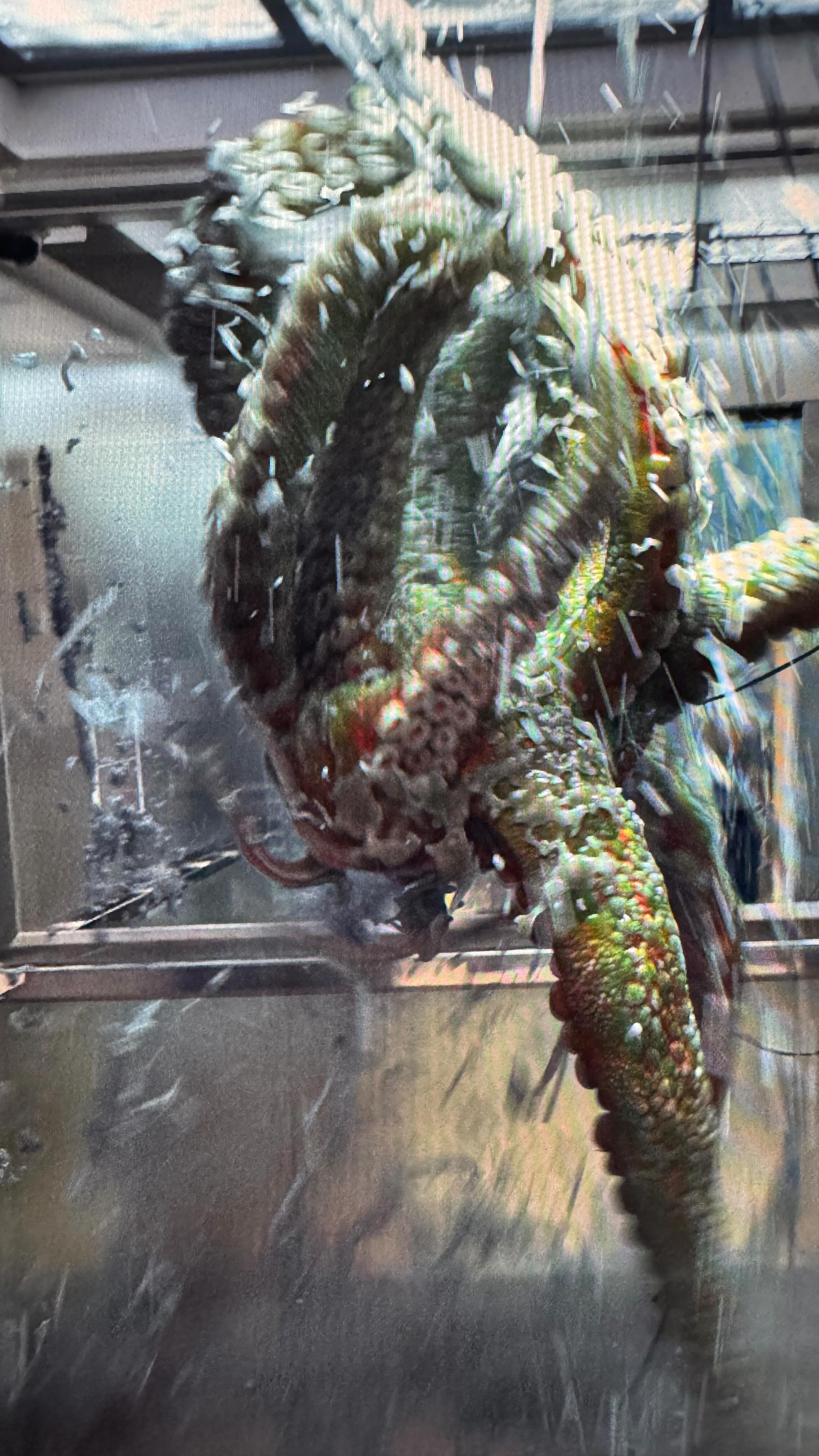
A tentacled CGI creature pushes through an elevator hatch in a Houdini scene tracked with Omniscient.
A cinematic montage of Lawson Cross’s CG and visual effects work.
A pool trickshot is transformed with visual effects.
A headphones listening session becomes a stormy pirate-ship scene inspired by Pirates of the Caribbean.


No compromises. You get full manual controls.
Choose between HDR and SDR encoding.
Smooth out your footage after recording.
Trim video, 3D camera, and depth data together.
Lock the white balance and exposure to make it easier to integrate VFX.
Manually adjust and lock the focus.
No need to guess the focus distance and shutter speed.
Organize, preview, and export your shots.
GPS info is saved for each scan.
Capture camera motion with your iPhone and import directly into Blender with automatic scene setup.
Perfect for previz, layout, and VFX in Unreal Engine.
Skip the 3D Camera Tracker and import robust tracking data directly into After Effects.
Create viral CGI content with perfect 3D tracking for seamless VFX integration.
Capture real-world environments as 3D meshes for shadow catchers and set extensions.