Best Camera Tracking Software in 2026: Free and Paid Options
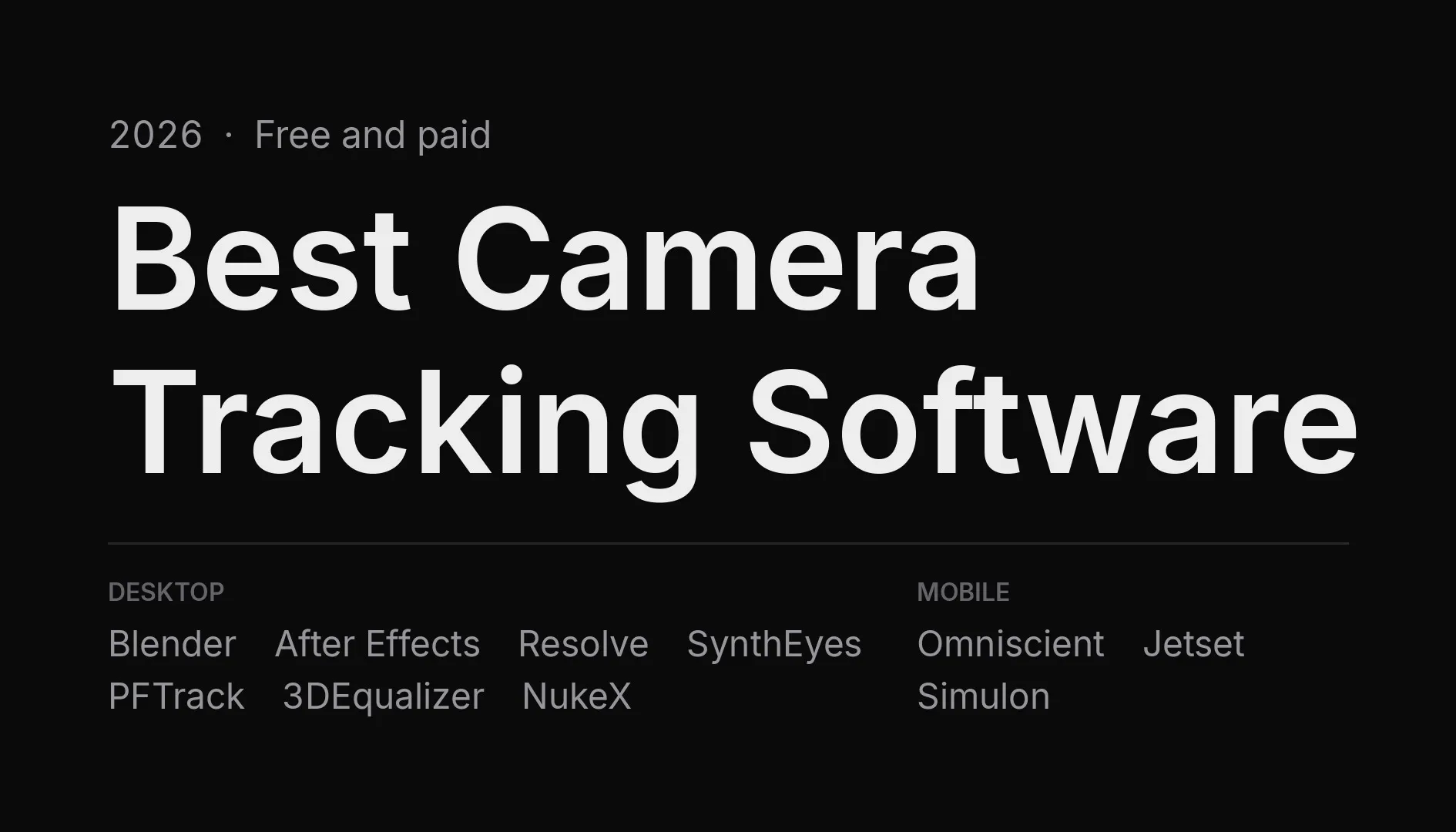
Camera tracking, or matchmoving, recreates the movement of a real camera in 3D so you can add CG elements that stick to your footage. If you are new to it, start with our guide to what camera tracking is.
Camera tracking tools fall into two families:
- Desktop trackers analyze footage you have already shot. They work with any camera, but every shot needs a solve, and difficult shots take time.
- Mobile trackers record the camera movement while you film, using the sensors of an iPhone or iPad. There is nothing to solve afterwards, but you have to plan for tracking before the shoot.
This guide covers both. It is published by Omniscient, which makes one of the mobile apps listed here, so we have kept the facts checkable: prices come from each vendor or from recent release coverage, checked on October 29, 2026.
Short answer
| If your priority is… | Best fit | Why |
|---|---|---|
| Free, desktop | Blender | Its motion tracker is built in and free, with no watermark or export limit. |
| Already using After Effects | After Effects 3D Camera Tracker | Included with After Effects, and fast on clean shots. |
| Difficult shots, professional matchmove | SynthEyes or 3DEqualizer4 | Deep manual control, lens distortion tools and survey data support. |
| Photogrammetry and tracking in one tool | PFTrack | Solo now includes the full photogrammetry pipeline. |
| Shooting on iPhone, no solve afterwards | Omniscient | Tracks while you film, scans the set with LiDAR and exports to Blender, Unreal, After Effects and more. Free to start. |
| Real-time virtual production previews | Lightcraft Jetset | Shows CG and the live camera together on set. |
Comparison table
| Software | Type | Platforms | Free option | Paid price |
|---|---|---|---|---|
| Blender Motion Tracking | Desktop | Windows, macOS, Linux | ✅ Free | None |
| After Effects 3D Camera Tracker | Desktop | Windows, macOS | ❌ | Included with an After Effects subscription |
| DaVinci Resolve Studio (Fusion) | Desktop | Windows, macOS, Linux | ❌ Camera Tracker is Studio only | One-time purchase, listed at $236 |
| SynthEyes | Desktop | Windows, macOS, Linux | ❌ | $325/year, $62/month or $655 perpetual |
| PFTrack | Desktop | Windows, macOS, Linux | Demo mode, no save or export | Solo £999 perpetual |
| 3DEqualizer4 | Desktop | Windows, macOS, Linux | ❌ | From €65/week, €1,704/year or €7,699 perpetual |
| NukeX CameraTracker | Desktop | Windows, macOS, Linux | ❌ | About $5,219/year |
| Omniscient | Mobile | iPhone, iPad | ✅ Free plan | Plus $19.99/month, Pro $39.99/month |
| Lightcraft Jetset | Mobile | iPhone, iPad | ✅ Free tier | Pro about $20/month, Cine about $80/month |
Desktop camera tracking software
Blender Motion Tracking
Blender includes a complete camera tracker in its Movie Clip Editor. You place tracking markers, solve the camera, set the scene orientation and get a tracked camera ready for rendering, all for free.
- Strengths: free, no export limits, and the solved camera is already in your 3D scene.
- Limits: marker placement is manual, and handheld or low-texture shots take patience.
- Best for: Blender users who want to learn matchmoving without spending money.
If you shoot on an iPhone, you can skip the solve: the Omniscient Blender add-on imports the tracked camera, footage and LiDAR scan straight into Blender.
After Effects 3D Camera Tracker
The 3D Camera Tracker effect analyzes a layer automatically and creates a 3D camera with track points you can attach text, solids or 3D layers to.
- Strengths: one click on clean shots, and no extra software.
- Limits: little manual control, so difficult shots often fail to solve.
- Best for: motion designers who need quick 3D text and graphics on footage.
DaVinci Resolve Studio: Fusion Camera Tracker
Fusion’s Camera Tracker solves a camera inside DaVinci Resolve and exports it to a 3D scene in Fusion. It is only included in the paid Studio version, not in the free edition of Resolve.
- Strengths: tracking, compositing, editing and color in one application, for a one-time price.
- Limits: a steep learning curve for 3D work in Fusion.
- Best for: editors and colorists who already finish in Resolve.
SynthEyes
SynthEyes, from Boris FX, is a dedicated matchmoving application known for fast automatic solves and deep manual control. Version 2026 added a Mocha-based point tracker and USD import.
- Strengths: speed, lens distortion tools, object tracking and exports to most 3D applications.
- Limits: a dense interface that takes time to learn.
- Best for: freelancers and studios who track a lot of shots.
PFTrack
PFTrack, from The Pixel Farm, combines camera tracking with photogrammetry and scene reconstruction. Since October 2026, the Solo edition includes all the tools that were previously limited to the Studio and Enterprise editions.
- Strengths: node-based workflow, photogrammetry, and an unlimited demo mode for learning (saving and export disabled).
- Limits: the Solo license is single-user, and the price rose to £999.
- Best for: artists who want tracking and set reconstruction in one tool.
3DEqualizer4
3DEqualizer4, from Science.D.Visions, is the reference tracker in many large VFX studios, built for precise solves on feature film work.
- Strengths: accuracy, survey data, lens models and pipeline scripting.
- Limits: price and learning curve make it a poor fit for occasional use.
- Best for: professional matchmove artists and feature film pipelines.
NukeX CameraTracker
NukeX includes a CameraTracker node that solves a camera inside your Nuke compositing script.
- Strengths: tracking and compositing in the same node graph.
- Limits: only worth it if you already work in Nuke, given the subscription price.
- Best for: compositors in Nuke pipelines.
Mobile camera tracking apps
Mobile apps record the camera movement while you film, using the device’s motion sensors and, on supported models, its LiDAR scanner. You film, export and composite, with no solve in between.
Omniscient
Omniscient records footage, camera tracking and, on LiDAR-equipped iPhones and iPads, a 3D scan of the set at real-world scale. You then bring the shot into your 3D software with the camera already tracked.
- Exports: Blender, After Effects, Cinema 4D, Unreal Engine, Maya, Nuke, Houdini and more. See the compatible software.
- Cinema cameras: with Mounted Workflow, the iPhone is mounted on a professional camera and tracks it.
- Pricing: the free plan includes HD tracking, LiDAR scanning and exports to Blender, Cinema 4D, After Effects and more. Plus ($19.99/month or $79.99/year) adds 4K, ProRes, all frame rates, FBX and USD, Unreal and Unity exports, and a commercial license. Pro ($39.99/month or $399.99/year) adds Apple Log and Mounted Workflow.
- Best for: creators who want tracked shots without a solve, and Blender, Unreal or After Effects users who shoot on iPhone.
Lightcraft Jetset
Jetset is built for virtual production: it shows your CG set and the live camera together on the device while you shoot, and records the tracking for post.
- Strengths: real-time previews on set, and cinema camera support in the Cine tier.
- Pricing: free tier, Pro about $20/month, Cine about $80/month.
- Compare: Omniscient vs Lightcraft Jetset.
Simulon
Simulon has moved towards generative AI: you place a subject in AR and generate a finished image or video in the app, rather than exporting an editable scene.
- Best for: quick generated results, when you do not need to revise the shot in your own software.
- Compare: Omniscient vs Simulon.
What about CamTrackAR?
CamTrackAR, from FXhome, was one of the first iPhone camera tracking apps. It has not been updated since September 2021, so it lacks recent iPhone features such as LiDAR scanning and modern recording formats. If you used it before, our Omniscient vs CamTrackAR comparison covers the differences.
Free camera tracking software
These options let you track a shot without paying:
- Blender: a full desktop tracker, free with no limits.
- Omniscient: free plan for tracking on iPhone and iPad, with exports to Blender and After Effects.
- Jetset: free tier for real-time previews.
- PFTrack: the demo mode lets you learn the full tool, but you cannot save or export.
The free version of DaVinci Resolve does not include the Fusion Camera Tracker, which needs Resolve Studio.
How to choose
- Is the footage already shot? Use a desktop tracker. If you have not filmed yet, a mobile tracker saves the solve entirely.
- Which software will you finish in? Pick a tracker that exports to it directly, or one built into it, like Blender, After Effects, Resolve or Nuke.
- How difficult are your shots? Fast motion, blur and few features call for SynthEyes, PFTrack or 3DEqualizer4. Planned shots on iPhone are easier to track while filming.
- What is your budget? Start free with Blender or Omniscient, and move to a professional tracker when your shots require it.
Conclusion
There is no single best camera tracker: the right one depends on when you track and where you finish. For free desktop tracking, Blender is hard to beat. For professional matchmove on difficult footage, SynthEyes, PFTrack and 3DEqualizer4 lead. And if you shoot on an iPhone, Omniscient gives you a tracked camera and a 3D scan of the set the moment you stop recording, ready for Blender, Unreal or After Effects.